
Troubleshooting: Car Amp Turns On but No Sound Issues Explained
Posted by Jacob Morris on Jun 2nd 2026
Car Amp Turns On But No Sound: Fast Diagnosis & Fix Guide
If your car amp turns on, the power light is lit, but there is no sound coming from the speakers or subwoofer, don’t assume you have a bad amp yet. In most cases, a break in the audio signal chain, a wiring problem, or one wrong setting is stopping the amplifier from producing output. This guide is for car owners, DIY enthusiasts, and anyone troubleshooting a car amplifier that powers on but produces no sound.
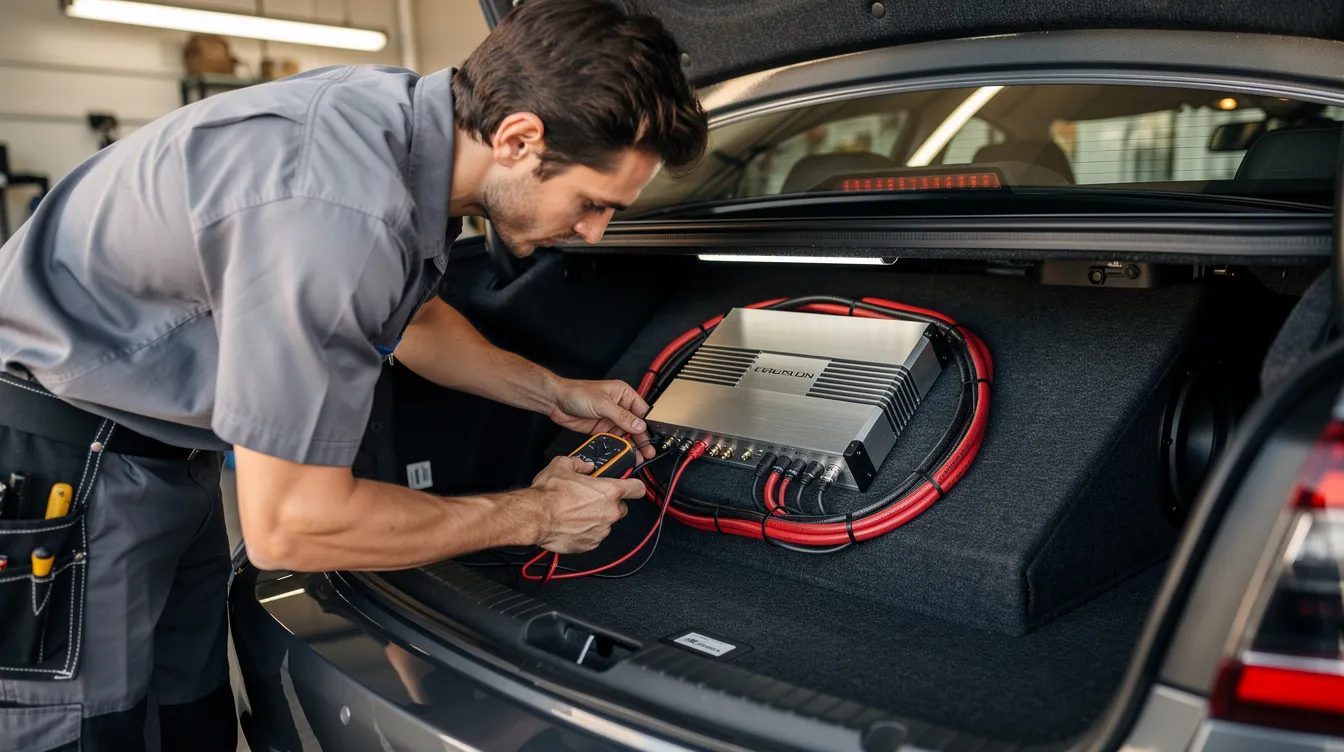
Quick Answer: Why Your Car Amp Powers On But No Sound
The classic “car amp turns on but no sound” problem means the amp powers up, but audio is not reaching the speakers or sub. The same checklist applies whether it is a mono sub amp, a 4-channel full-range amp, or the common “amp powers on but no sound from sub” situation.
Most common causes:
-
Bad input from the head unit, headunit, factory radio, LOC, rca cables, or rca wires.
-
Wrong amp settings, including gain control, input source, crossover, low pass filter, or channels switch.
-
Protect mode caused by a short circuit, overheating, or impedance mismatch.
-
Wiring issues, including loose connections, damaged speaker wires, poor ground, bad fuse, or faulty remote wire.
-
Blown speakers, damaged subwoofer coils, or incorrect sub box wiring.
Use this alignment list insert table as your 10-minute driveway check:
|
Check |
What to do |
|---|---|
|
Remote |
Test the remote wire for about 12V when the radio is on. |
|
Power |
Check amp +12V, ground, and fuse with a multimeter. |
|
Signal |
Double check rca inputs, low level inputs, speaker level inputs, and source selection. |
|
Output |
Inspect speaker wires, output terminals, and sub leads. |
|
Settings |
Set gain low, filters reasonable, bass boost off. |
|
Status |
Look for protect light or a status color that is wrong. |
At Amped Up Car Audio in Conover, NC, these are the same first checks our techs help customers run on their vehicles before recommending parts.
Performing Security Verification (Before You Troubleshoot Online)
Some car audio sites, including ours, use a security verification page to block malicious bots and protect customer data. Performing security verification simply means the website verifies that you are a real person, not a bot or automated device.
You may briefly see “security verification,” “verification successful,” or a security service message before opening wiring diagrams, manuals, support chat, or an amp manual. This does not affect your car, amp, power, signal, or sound; it only protects the website and your information. If the page is waiting, stuck, or has a displayed respond ray id, refresh, try another browser, then continue. Forum widgets may show odd labels like share discussion starter, share sort, or redo drafts-those are page tools, not audio symptoms.
Safety First: What To Do Before Touching Your Amp
Car audio is 12V, but high-power systems can move serious current, especially a sub amp with large batteries. Before you disconnect, hook, plug, or connect anything, turn off the ignition, remove the key, and disconnect the negative terminal if you are accessing main power wiring near the battery.
Use a multimeter set to dc voltage for live tests, and avoid touching bare metal with both probes and your hands at the same time. Do not crank volume at max while diagnosing no sound; clipping or sudden output can damage speakers. Keep a flashlight, small screwdriver, zip ties, and basic hand tools ready so every wire run can be inspected safely and neatly.
Step 1: Confirm the Head Unit Is Sending Signal
Many “faulty amp” calls are actually head unit problems. The amplifier requires an audio signal from the head unit to play sound, so first verify that front and rear speakers powered by the deck work at normal volume.
Many modern stereos need the “Subwoofer Output” or “Pre-Out” settings enabled for the amplifier to receive a signal. In the head unit menu, confirm sub output is ON, sub level is up, the correct input source is selected, and fade/balance are not routing signal away. With a factory radio, confirm the LOC is connected correctly; with an aftermarket head unit, confirm the sub pre-out or front/rear pre-outs are active.
Faulty, loose, or severed RCA interconnect cables can prevent audio transfer from the head unit to the amplifier. Try Bluetooth vs FM, swap left/right rca, move the cable to another rca input, or test the amp with a known-good source.
Quick callout: some modern head units mute sub output at very low volume or with certain fade/balance settings. Turn the volume up moderately before assuming there is no output.
Step 2: Check Amp Power, Remote & Ground (Amp Powers, But Is It Really OK?)
An amp’s power light does not guarantee healthy current delivery. If the amplifier is receiving power but not outputting sound, it could be due to a blown fuse or a short circuit in the wiring.
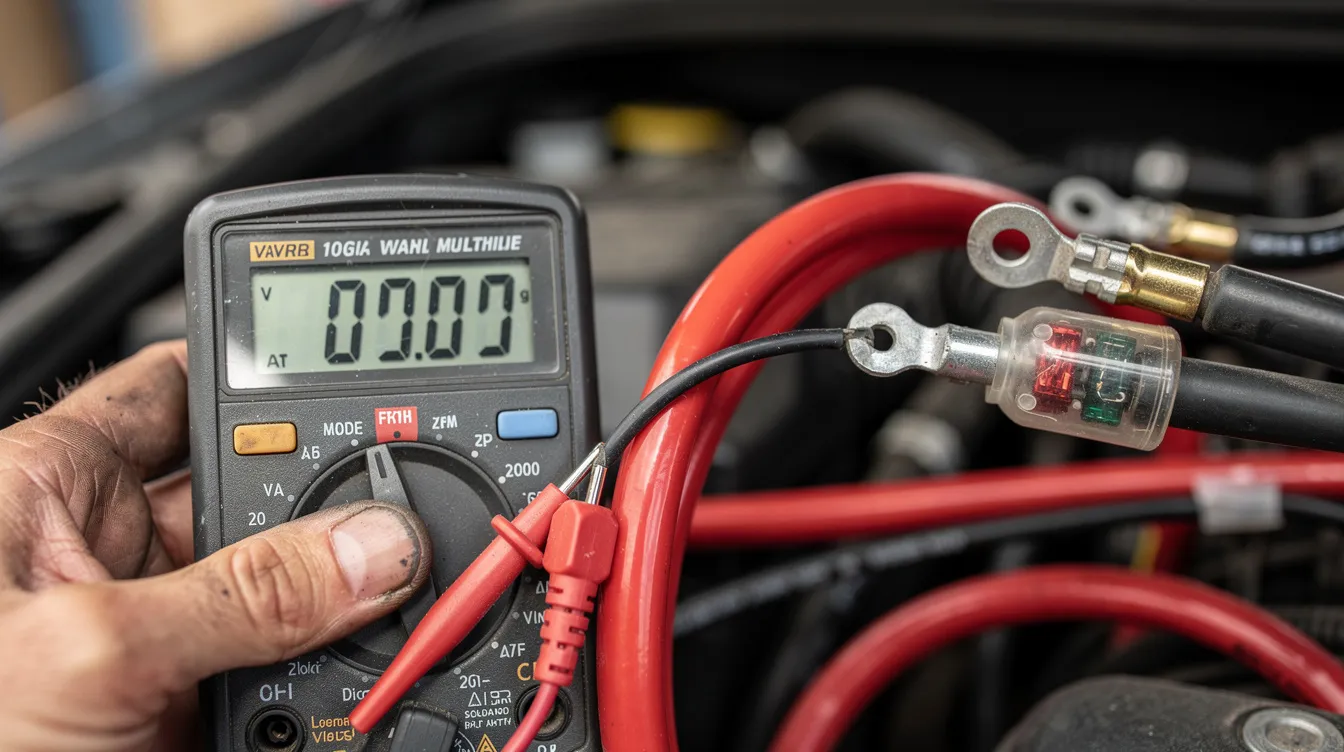
With a multimeter, check +12V at the amp terminal: expect around 12.0V with the vehicle off and roughly 13.8–14.4V with the engine running. Test the REM terminal; the remote wire should show about 12V when the radio is on. If the amp lights up, then seems to lose power under bass demand, suspect voltage drop.
Ground matters. Use a short ground cable, same gauge as power, bolted to clean bare metal with no paint or rust. A poor or corroded ground connection can restrict current flow, preventing the amplifier from driving the audio output. High-resolution ground points restrict current flow to the amplifier, impacting audio output.
Inspect the amp chassis fuse and the inline fuse near the battery. Replace a blown fuse only with one of the same amperage rating recommended by the manufacturer. Using a multimeter to test the fuse can help determine if it is functioning properly; a reading close to 0 ohms indicates the fuse is intact, while a higher reading suggests it may be blown.
Step 3: Understand Protection Mode & Status Indicators
Many amps will power up but mute audio when a fault is detected, entering protect or internal security mode. The status light on an amplifier can indicate protection mode if it shows a color other than normal power, such as red instead of green, flashing codes, or a separate protect LED.
Some amps run internal security verification of temperature, short circuits, and DC offset before allowing output. The amplifier’s protection mode is usually activated by a short circuit or an impedance mismatch due to low ohm load speakers. Other triggers include overheating, speaker wire touching chassis, or internal component failure.
Reset test: turn the system off, disconnect all speakers from the amp, leave only power/ground/remote connected, then power back on. If protect clears, the fault is likely speaker wiring or load. If protect stays on with no speaker load, stop DIY and consider internal repair.
Step 4: Check RCA Inputs, Crossovers & Gain Settings
Incorrect settings can make an amp seem dead even when the wiring is perfect. A common issue for amplifiers that turn on without sound is the gain setting being too low or the input source not being selected correctly.
Verify the correct rca inputs: CH1/2 vs CH3/4, mono L/R, or 2CH/4CH input switches. Master/slave or bridging switches on older or multi-channel amplifiers may cause incorrect routing of the signal if bumped accidentally.
Incorrect crossover filter settings can block audible frequencies from reaching the speakers. For a sub amp, start the low pass filter around 70–90Hz. For door speakers, start HPF around 60–80Hz. If a sub is on HPF or full-range speakers are on LPF, the amp may technically play but sound nearly silent. Start with gain at minimum, raise slowly, and leave bass boost off until basic sound returns.
Step 5: Inspect Speaker & Subwoofer Wiring
If your amplifier powers on but produces no sound, it may be due to incorrect wiring or connections, such as loose or damaged speaker wires. If a speaker wire is shorted out or disconnected, audio signals will not reach the speakers.
Start at the amp output terminals. Make sure each wire is clamped firmly, polarity is correct, and no copper strands bridge positive to negative. A short circuit in speaker wires can trigger the amplifier’s internal protection features. Trace wiring under seats, through doors, and around trim for pinched insulation or severed leads. Crackling, static, or other noise while checking those runs can point to a short, damaged wire, or poor connection.
For a sub, check the enclosure terminals and DVC wiring. A dual 4-ohm sub wired wrong can create an extreme impedance load or leave one coil disconnected. A quick 1.5V battery pop test at the sub terminals should move the cone briefly; do not hold the battery on the coil.
Step 6: Test the Sub Amp or Full-Range Amp Itself
Once the head unit, wiring, and speakers check out, isolate the amp. Use one known-good speaker or sub, a short run of new wire, and a short rca or aux source directly into the amplifier.
If clean sound appears, the original car wiring, settings, or source is the issue. If there is still no output, inspect for burnt smell, melted terminals, water marks, or visible board damage if opened by a qualified tech. Check warranty before opening the case, because opening an amp can void coverage.
Special Cases: Amp Powers On, But No Sound From Sub Only
If door speakers worked fine but the sub is silent, focus on sub signal and sub wiring first. Confirm the sub amp or 5-channel sub channel is receiving signal from the head unit sub pre-out and that the sub level is not muted.
A defective LOC can also kill only the sub channel in OEM integrations. Modern vehicles may use factory EQ, fade, or bass roll-off that makes the sub channel appear dead. For testing only, connect a known-good midrange speaker to the sub channel at low volume to confirm output exists.
Why Choose Amped Up Car Audio to Troubleshoot Your Amp Issues
Amped Up Car Audio is an online retailer in Conover, NC, not just a parts catalog. We troubleshoot “amp turns on but no sound” issues on daily drivers, SPL builds, show cars, and full custom systems.
Because we carry premium amplifiers, subwoofers, batteries, wiring kits, distribution blocks, and accessories, we help fix root causes like weak grounds, undersized wire, poor power management, or a genuinely bad amp instead of pushing a new amp too soon. Remote customers can contact us by phone or email for step-by-step checks; local customers can schedule in-shop voltage tests, load tests, and full-system verification.
Preventing Future “Amp On, No Sound” Problems
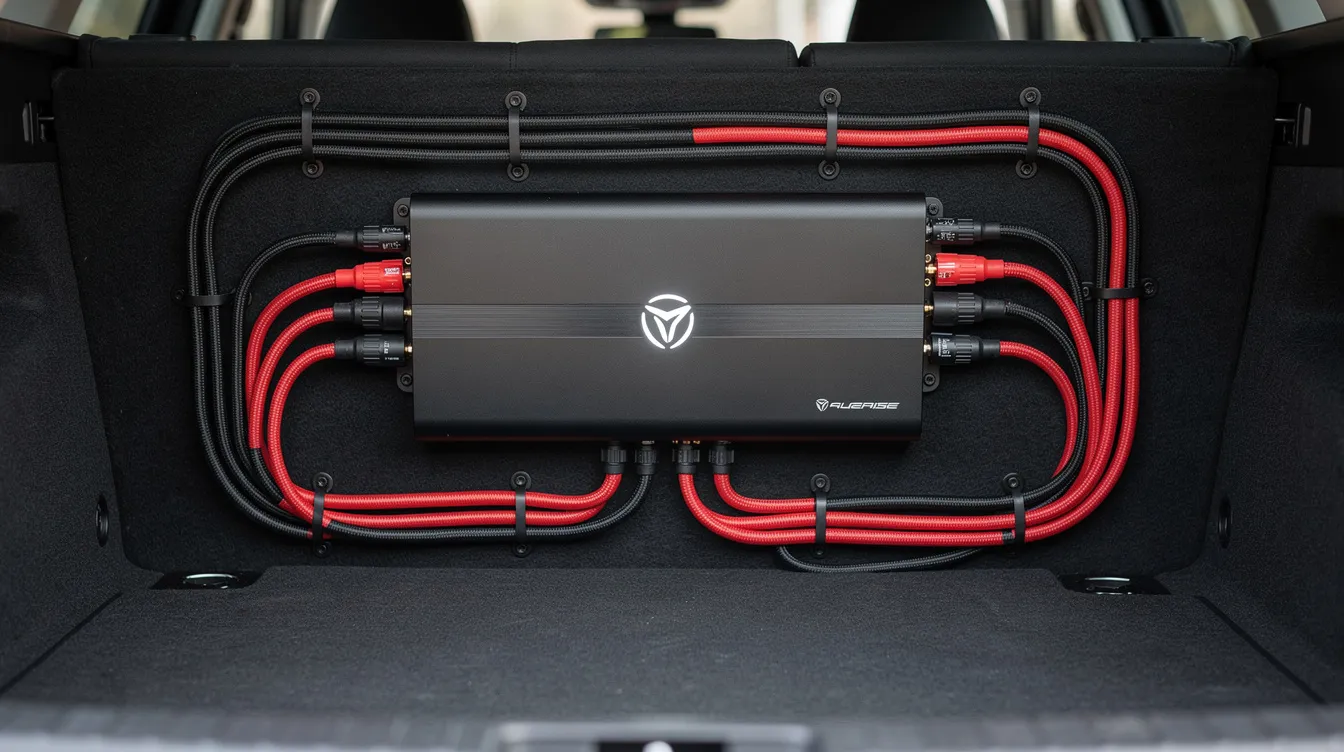
Most no-sound problems can be avoided with clean installation habits. Use proper gauge OFC wire, correctly sized fuses, secure routing away from sharp edges, and solid grounds.
Periodically double check set screws on power, ground, remote, and speaker terminals. Match gain correctly instead of relying only on bass boost knobs. Give amps ventilation, not carpet-covered heat traps. As power rises, consider an upgraded battery, Big 3 wiring, and quality distribution hardware.
Essential Resources to Improve Your Amplifier Knowledge and Troubleshooting Expertise
Expand your troubleshooting skills and master amplifier care with these comprehensive guides from Amped Up Car Audio:
How to Bypass Protection Mode on Amp: Effective Tips and Techniques — Discover practical methods to safely reset your amp’s protection mode and get your system back online.
Troubleshooting a Car Amp Not Working: Common Issues and Solutions — Identify frequent problems and learn proven fixes to restore your amplifier’s performance.
Understanding Alternator Whine: Causes and Solutions for Your Vehicle — Find out why that annoying alternator noise occurs and how to eliminate it for cleaner sound.
Understanding What Is Gain on an Amp: Essential Insights for Users — Get a clear explanation of gain settings and how to optimize them for balanced sound.
Why Is My Amp Overheating So Quickly? Common Causes and Solutions — Learn the key reasons amps overheat and what you can do to keep yours cool and reliable.
These articles offer expert advice and step-by-step solutions to help you maintain and improve your car audio system’s performance.
FAQs: Car Amp Turns On But No Sound
Why does my amp turn on but no sound comes from my speakers? The signal may be missing, rca cables may be loose, speaker wires may be open or shorted, settings may be wrong, or the amp may be in protect; unusual noise like static or hissing can also point to a signal or wiring problem.
My amp powers on, no sound from sub - what should I check first? Check the head unit sub output, rca cable, low pass filter, sub level, and DVC subwoofer wiring.
Can a bad ground cause an amp to turn on but not work? Yes. A high-resistance or corroded ground can light the amp but restrict current so it cannot drive output.
What is my amp’s internal security or protection circuit doing when there’s no sound? It is muting output to prevent damage from a short, heat, DC voltage, or wrong impedance.
Can a factory head unit cause my aftermarket amp to have no output? Yes. OEM radios may need a LOC, correct speaker-level taps, or enabled sub settings.
How much does it usually cost to diagnose an amp with no sound? Many shops charge about $50–$120 for diagnostics; internal repair can cost more. Amped Up Car Audio can quote your setup.
When should I replace my amp instead of trying to fix it? Replace it when repair costs approach replacement cost, parts are unavailable, or protect stays on after every external cause is ruled out. Browse Amped Up Car Audio for reliable sub amps and multi-channel amps.
When to Call a Pro & How Amped Up Car Audio Can Help
Do not chase the issue endlessly if you smell burning, see smoke, repeatedly enter protect with all speakers disconnected, or have complex OEM integration. Our team can perform oscilloscope checks, signal tracing from head unit to amp, and load testing for subs and speakers.
Before contacting us, send photos of wiring, amp settings, equipment models, and the sub box. Visit Amped Up Car Audio for properly matched amps, subs, wiring kits, batteries, and accessories. In most cases, “car amp turns on but no sound” is solvable with systematic testing and the right backup.